Finish your profile right here and directions for adding your Profile Picture (which appears when you post) is right here.

Everything posted by Charles Fischer
-
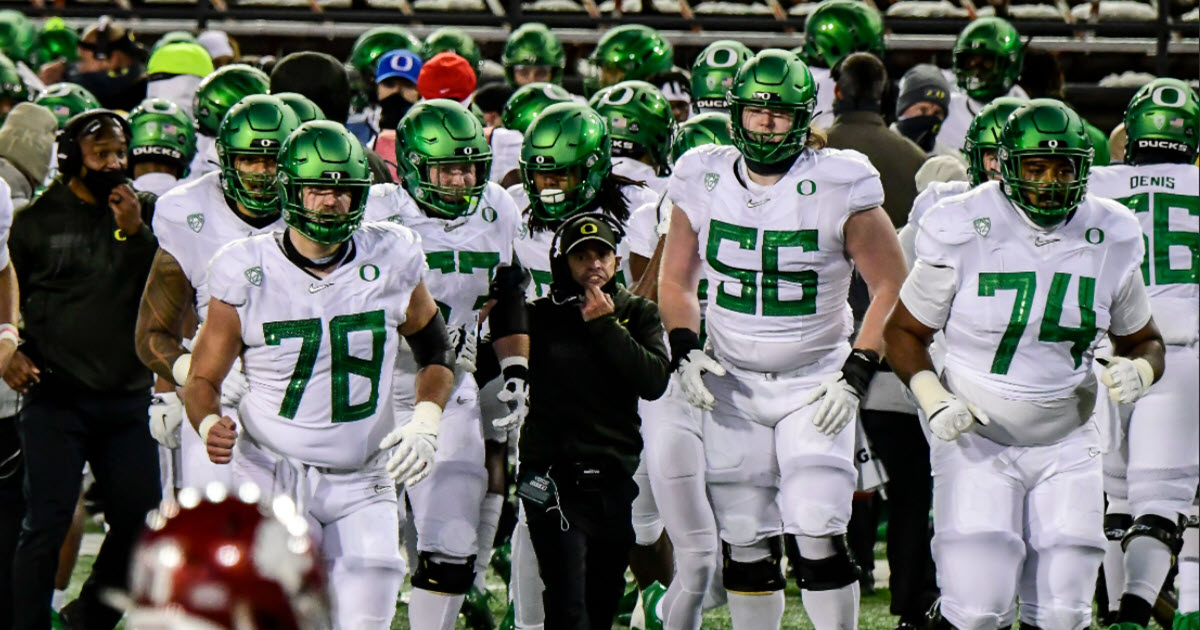
Sources: Big Ten adding Oregon and Washington, leaving Pac-12 with uncertain future SPORTS.YAHOO.COM After a roller coaster of exploration and negotiation across the week, the Ducks and Huskies will exit the Pac 12, leaving the 108-year-old league with no certain future.I am starting a new thread since the other got so long reporting the developments of today...
 What we have to get accustomed to?
 My view of it all today....Finally! Oregon is using some leverage, some bargaining power between the B1G and the Pac-12!
Account
Navigation
Search
Configure browser push notifications
Chrome (Android)
- Tap the lock icon next to the address bar.
- Tap Permissions → Notifications.
- Adjust your preference.
Chrome (Desktop)
- Click the padlock icon in the address bar.
- Select Site settings.
- Find Notifications and adjust your preference.
Safari (iOS 16.4+)
- Ensure the site is installed via Add to Home Screen.
- Open Settings App → Notifications.
- Find your app name and adjust your preference.
Safari (macOS)
- Go to Safari → Preferences.
- Click the Websites tab.
- Select Notifications in the sidebar.
- Find this website and adjust your preference.
Edge (Android)
- Tap the lock icon next to the address bar.
- Tap Permissions.
- Find Notifications and adjust your preference.
Edge (Desktop)
- Click the padlock icon in the address bar.
- Click Permissions for this site.
- Find Notifications and adjust your preference.
Firefox (Android)
- Go to Settings → Site permissions.
- Tap Notifications.
- Find this site in the list and adjust your preference.
Firefox (Desktop)
- Open Firefox Settings.
- Search for Notifications.
- Find this site in the list and adjust your preference.