




Finish your profile right here and directions for adding your Profile Picture (which appears when you post) is right here.

Everything posted by Charles Fischer
-
Isn't that a first for him? Notable? "It's a record built to both impress and massively frustrate: In the past three seasons, Oregon is 1-5 against teams that ended up in the national title game and 37-0 against everyone else. Beating Oregon basically means you're guaranteed greatness, but when does it get to be Oregon's turn at greatness?"
-
Jon...I LOVE your word-play. I have as much fun reading them, (and the puns) as you do writing them. Like my GIFs, not all connect, but it is all fun regardless. Bless you, and those with a sense of humor that add to this forum. And I cannot forget the KING of the One-Liners, STEVEN A!
-
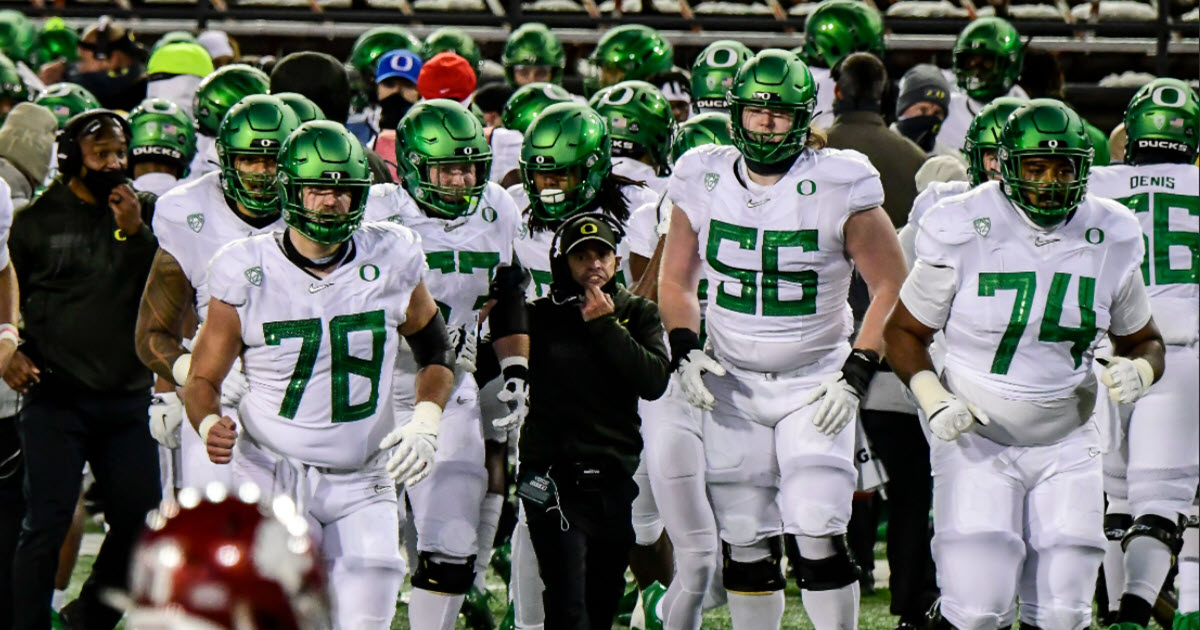
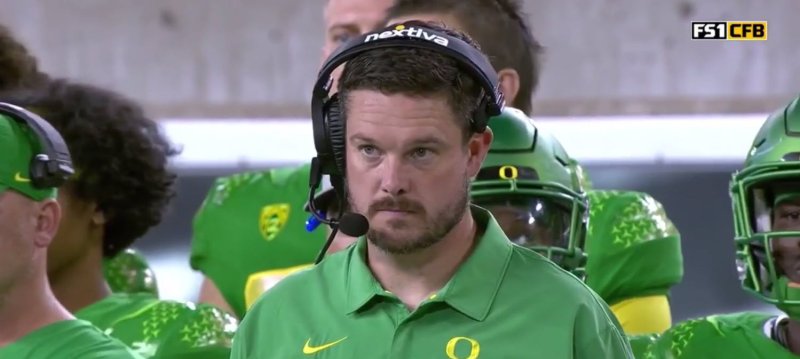
Coach Waz and his players about entering the portal....
-
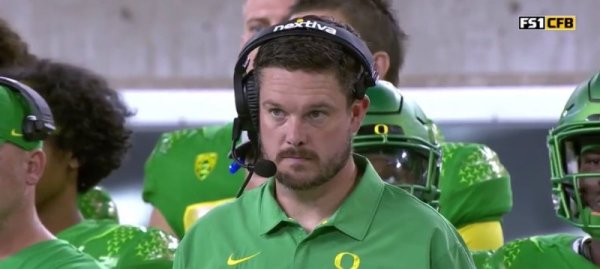
It is routine....every year about 90-95% of the verbals stick and sign the LOI in December. We always lose 1-3, but pick up nice surprises from others. And every year we have people wringing their hands....geez. Have they watched recruiting before? Dan will get his...
-
It doesn't bother me at all...
-
Guerrant is a Rivals 4-Star receiver, and besides being offered by Oregon, (4 visits) he was also offered and contested for by Michigan, (20 visits!) Ohio State, (9 visits) Michigan State, (5 visits) Alabama, Penn State, (4 visits) USC, Notre Dame, and Miami. (Visits include both official and unofficial)
-
Scouting Report:Very skilled, productive gamer of a receiver. Has been a major varsity contributor since his varsity season and has made an impact at receiver, as a return man and part-time quarterback and defensive back. Savvy, smart route-runner with good fluidity and agility. Has top notch ball skills. Wins contested catches like a bigger receiver and has exceptional body control and ability to make catches near the boundaries of the field and stay in the field of play. Does not have any verified top end speed, but has elusiveness and open field ability. Has come up big at key times and is hyper competitive. Above average physical measureables but elite positional skills and intangibles.
-
A surprise Tuesday commitment has Oregon fans feeling pretty good. The news of a commitment on the Pat McAfee show leaked out about 20 minutes before the announcement. And it was a big one. Harper Woods (Mich.) wide receiver Dakota Guerrant made his college decision live on the broadcast in person. The 6-foot-2, 200-pounder is one of the top wide receivers in the country. Guerrant ranks as the No. 38 player nationally in the Rivals Industry Rankings and No. 7 ranked player at his position. The Ducks were in a heated battle with Michigan hoping to keep him in-state to play with close friend, Bryce Underwood. He was expected to visit Michigan this weekend for his official visit. However Dan Lanning and Ross Douglas were able to lure him from his home state.
-
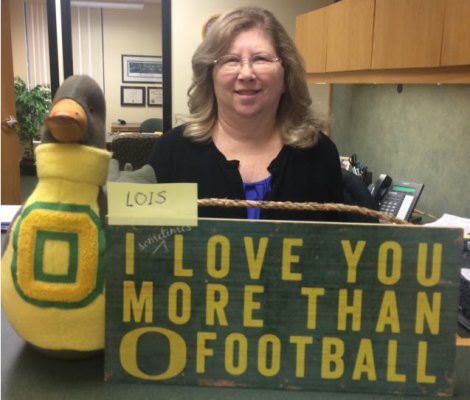
GREAT article David, as you brought up a number of crucial points. Eighteen year olds with a boatload of NIL money…”what could possibly go wrong?”(The top picture did not age well) (We got divorced 2.5 years ago) 😄
 A football used in the 1997 Oregon vs Utah game...
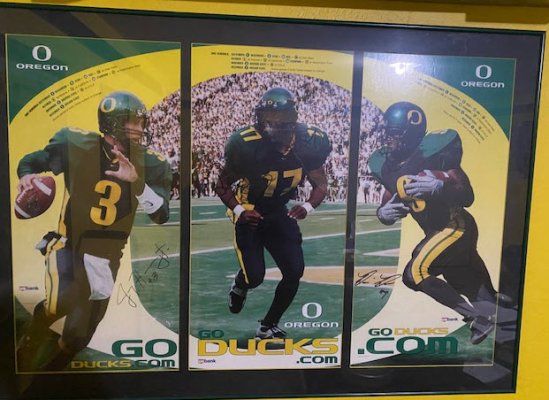
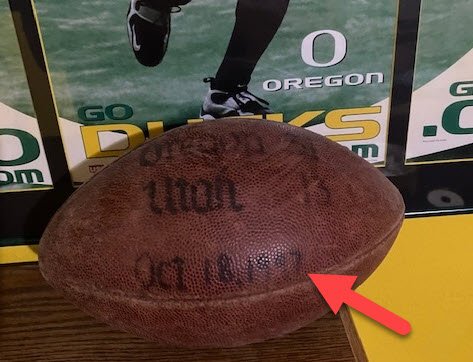 Good gosh that is cool, and a real item of value to Oregon fans. Above is an autographed football by the 2001 team, No. 2 in the nation. Above is poster signed by Joey Harrington, Mo Morris, and Rashad Bauman.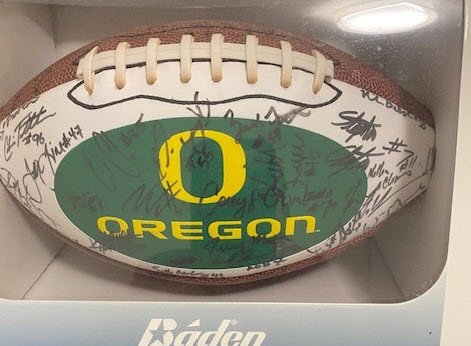
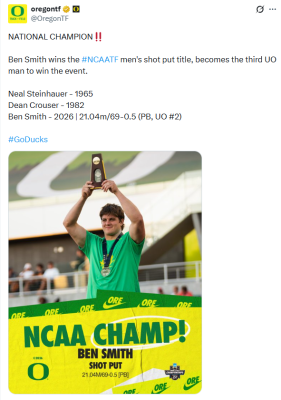
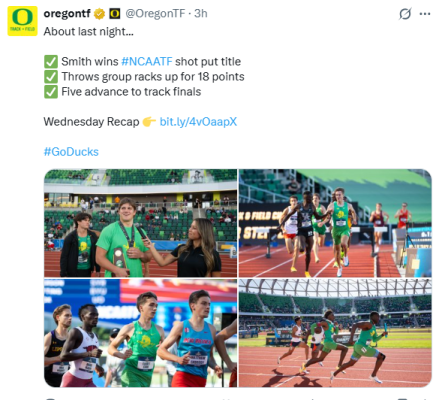
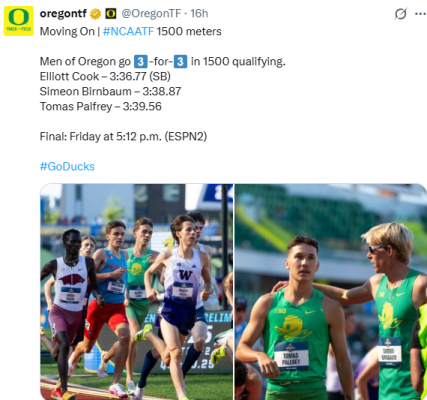
 I am good with this departure, because even at his best… He gave up Home runs easily. But about midway through the season, teams had enough film on him and figured him out. They were hitting the heck out of him. He was getting hit excessively on even during short reliever innings later on… It frees up scholarship and NIL money for a new/better pitcher.The rumor is that he is redshirting due to injury…From a thread on TrackDucks... "Outstanding day for the Oregon throwers yesterday! We picked up 18 points in the shot put and javelin. I ran into Coach Blu in the concourse leaving the meet yesterday and he was beaming. How lucky are we to have Ben Smith? He's kind of a generational talent, the same way Sam Crouser and Tommy Skipper were in their field events 10 and 20 years ago, respectively. Amazing to see a redshirt freshman dominate the shot put this year. I don't know if he'd turn pro early, but it's exciting to think about the possibility of having him compete as a Duck for 3 more years. Was Smith considered a major blue chip recruit 2 years ago? I think I must not have been paying close enough attention on the recruits threads when he committed to know how great of a talent we were getting. Major kudos to Kobe Lawrence, who also stepped up this year when we needed him most and outperformed the form chart with his 4th place finish. He's a big meet gamer. He's flown under the radar this season, perhaps because of Smith but also due to high expectations from his surprisingly great freshman season, and he picked the perfect time to peak. I thought we could've potentially picked up a couple extra points in the javelin from Daniel Thrana, but still nice to see both him and Pat Vialva score. Ben Balazs looked excellent in the 3000m steeplechase prelims. So controlled. I agree that he has a chance to crack the top-3 and he's been running really well all spring. I personally wasn't expecting our 4x100m squad to make the finals, so that was a nice bonus. Hard to see them picking up more than a point or two, but every bit counts. The only real setback from yesterday was Kai Graves-Blanks not qualifying for the fiinals in the 110m HH. I think the Duck men have a ton of upside scoring potential on Friday against the form charts, and could see us finishing as high as No. 2 in the team race if we can pick up secondary points from Palfrey or Cook in the 1500m and if Birnbaum still has enough in his legs to be a factor in the 5K. Arkansas seems out of reach, but you never know..."
 24/7 rankings...Meh. Rivals is more consistent, IMHO, and has been for over 20 years. 24/7 historical rankings are polluted by the former Husky who owned Scout.com and was bought by 24/7. When he gets a Rivals 5-Star....then I swoon.I remind everyone who does not have a Twitter or "X" account, that you can have one and NEVER go to your own site after you sign up. I know this because that is what I do, and having an account allows me to see the hundred great videos posted by others each year. Free, and no hassle. Get one!This was in another thread, but I wanted to comment on it here--look at how good this young man is at catching the long-ball! The 50/50 goes to HIM! Hope he comes to Our Beloved Ducks!












Account
Navigation
Search
Configure browser push notifications
Chrome (Android)
- Tap the lock icon next to the address bar.
- Tap Permissions → Notifications.
- Adjust your preference.
Chrome (Desktop)
- Click the padlock icon in the address bar.
- Select Site settings.
- Find Notifications and adjust your preference.
Safari (iOS 16.4+)
- Ensure the site is installed via Add to Home Screen.
- Open Settings App → Notifications.
- Find your app name and adjust your preference.
Safari (macOS)
- Go to Safari → Preferences.
- Click the Websites tab.
- Select Notifications in the sidebar.
- Find this website and adjust your preference.
Edge (Android)
- Tap the lock icon next to the address bar.
- Tap Permissions.
- Find Notifications and adjust your preference.
Edge (Desktop)
- Click the padlock icon in the address bar.
- Click Permissions for this site.
- Find Notifications and adjust your preference.
Firefox (Android)
- Go to Settings → Site permissions.
- Tap Notifications.
- Find this site in the list and adjust your preference.
Firefox (Desktop)
- Open Firefox Settings.
- Search for Notifications.
- Find this site in the list and adjust your preference.